
Built for Vinted sellers · iPhone
Scan a sale.
Know the bag.
Keep the profit.
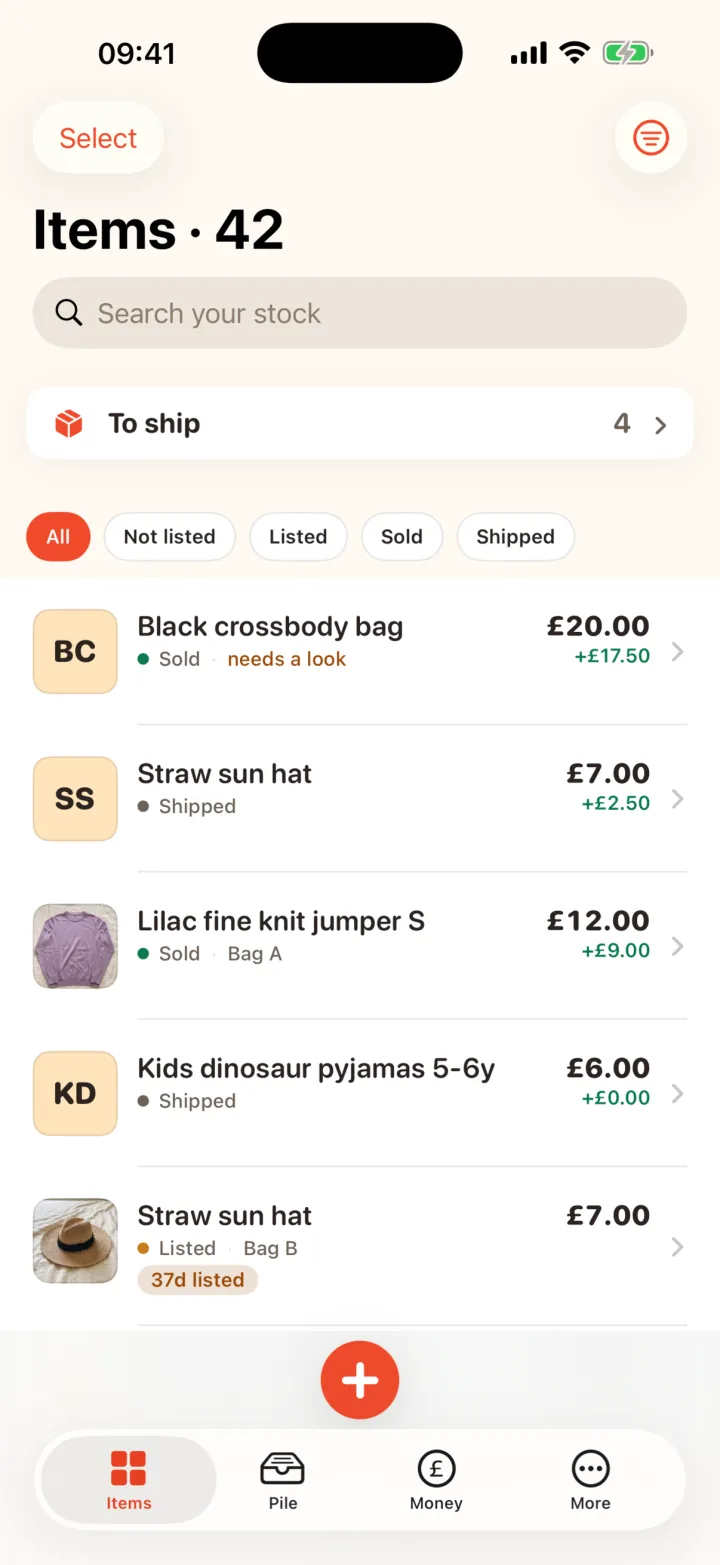
RackHut is a notebook for your shop that keeps itself up to date. It knows what you've got, which bag it's in, what's sold, and what you actually made. Screenshot an order and it fills in the sale. It lives on your iPhone, with no account, and it never logs into Vinted.
Record a sale
Screenshot it. Sold.
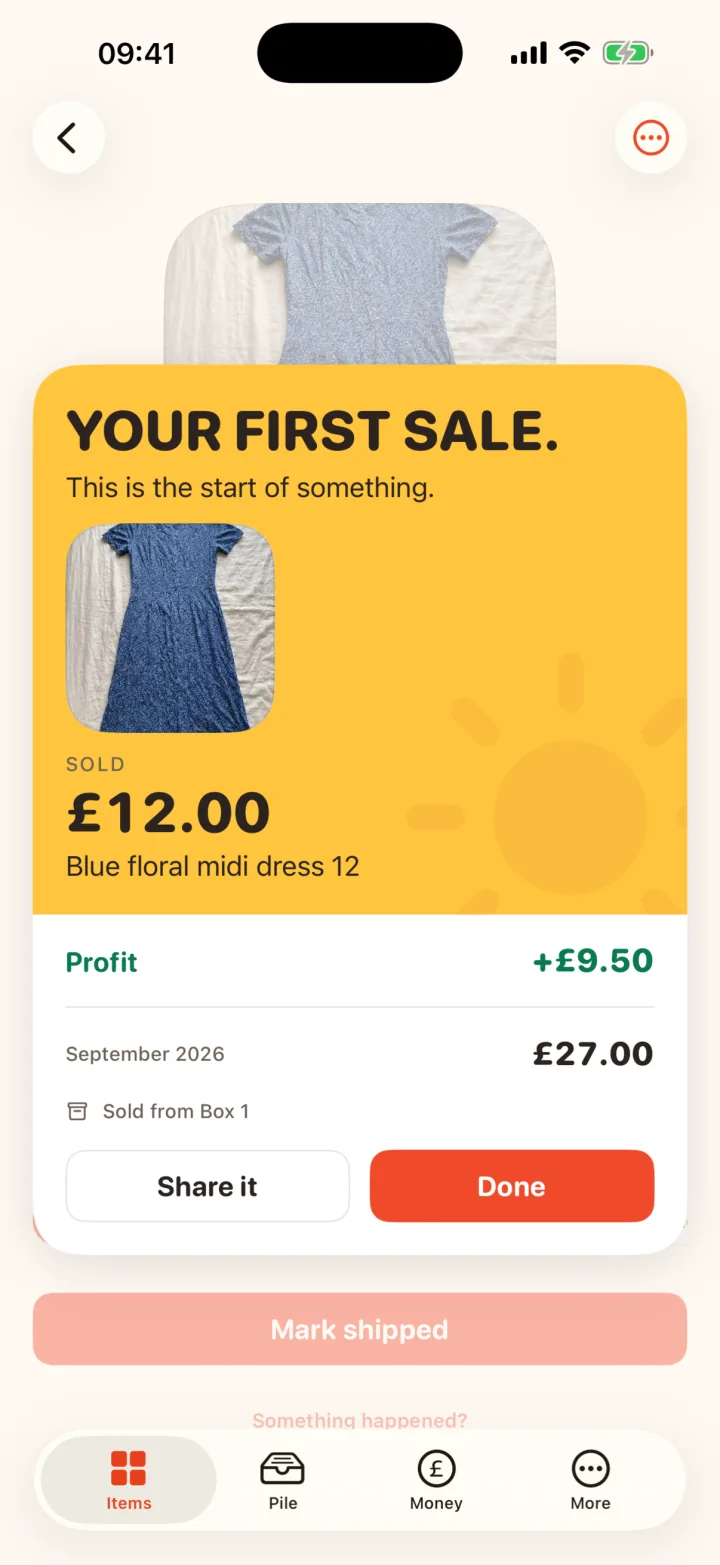
Take a screenshot of the order and RackHut reads it. What the buyer paid you, the date and the send-by deadline fill themselves in, each one labelled from your screenshot. Check them, tap Confirm, done. Bundles work too.
Then a receipt: what it sold for, what it cost you, what it cost to send, and your profit in green.
Read on your phone. The screenshot goes as soon as you've said which item sold, unless you keep it as the item's photo.
Start in minutes
Your whole Vinted shop, with pictures.
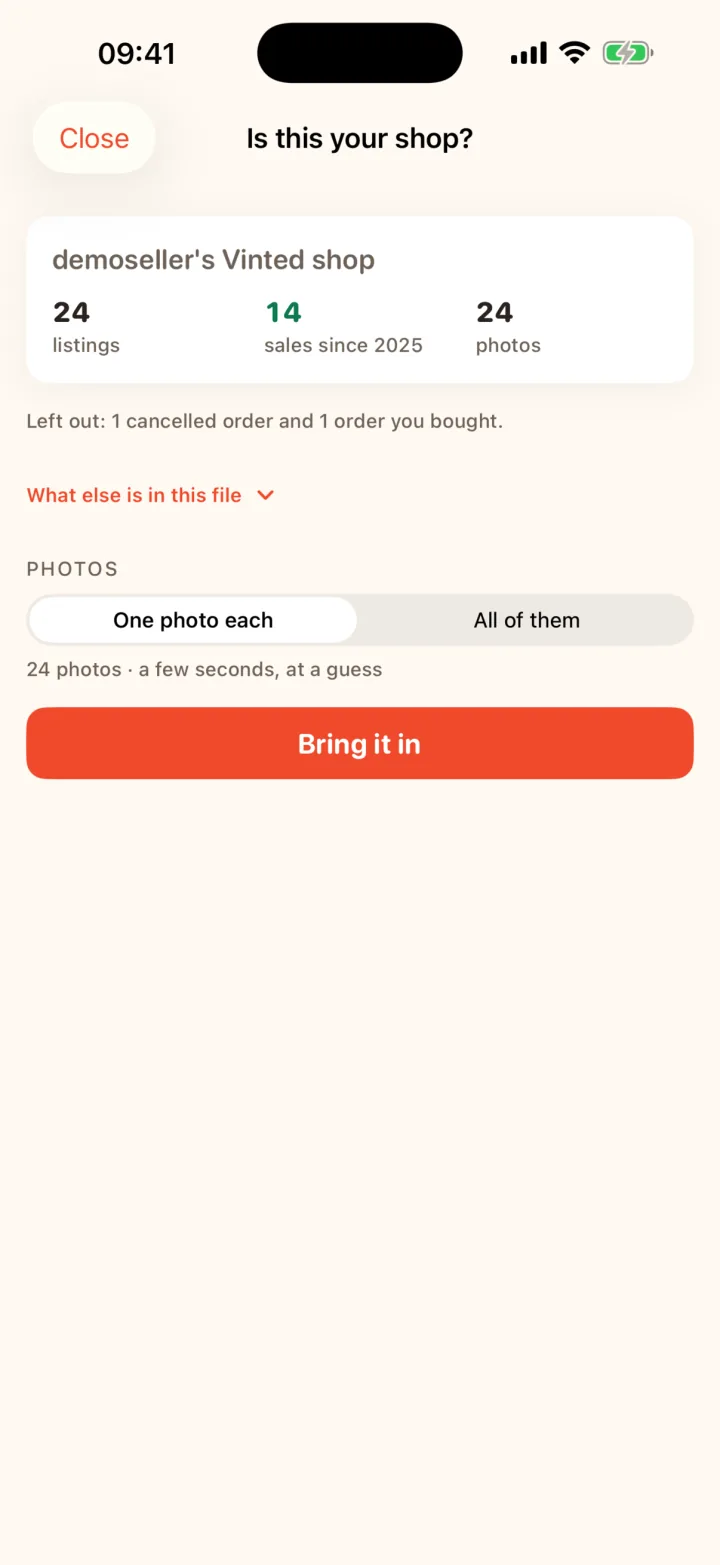
Vinted will give you a copy of your own data if you ask for it. Open that file in RackHut and every listing arrives with its photo, things that had sold arrive as sold, and Vinted's own yearly income reports come in ready for the Money tab. Nothing connects to your account.
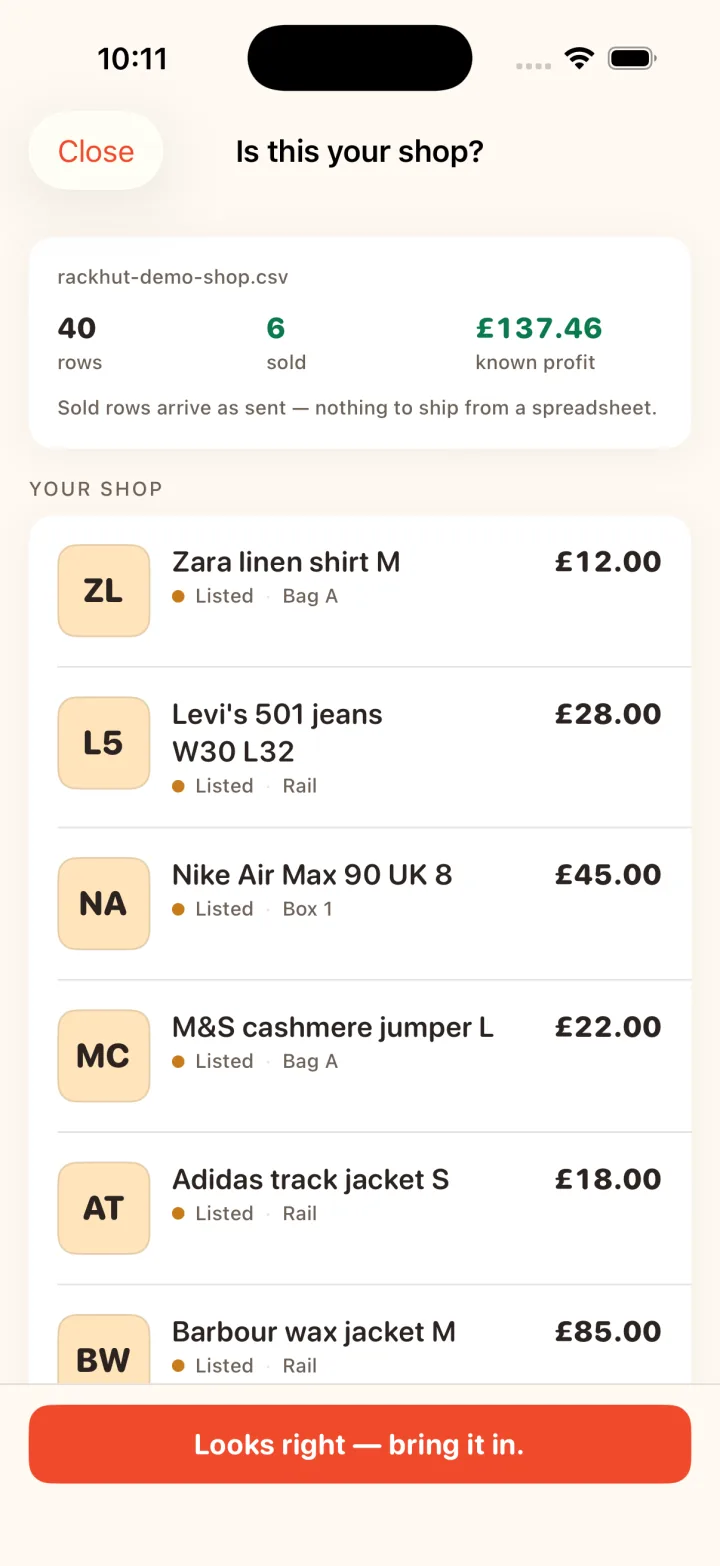
Been tracking in Excel, Numbers or Google Sheets? Bring the spreadsheet in. RackHut reads the columns the way you would and shows you your shop before anything changes. It either all lands or none of it does, and you can undo the whole import in one go.
Find it, send it
“Where's the blue Zara top?” Bag 3.
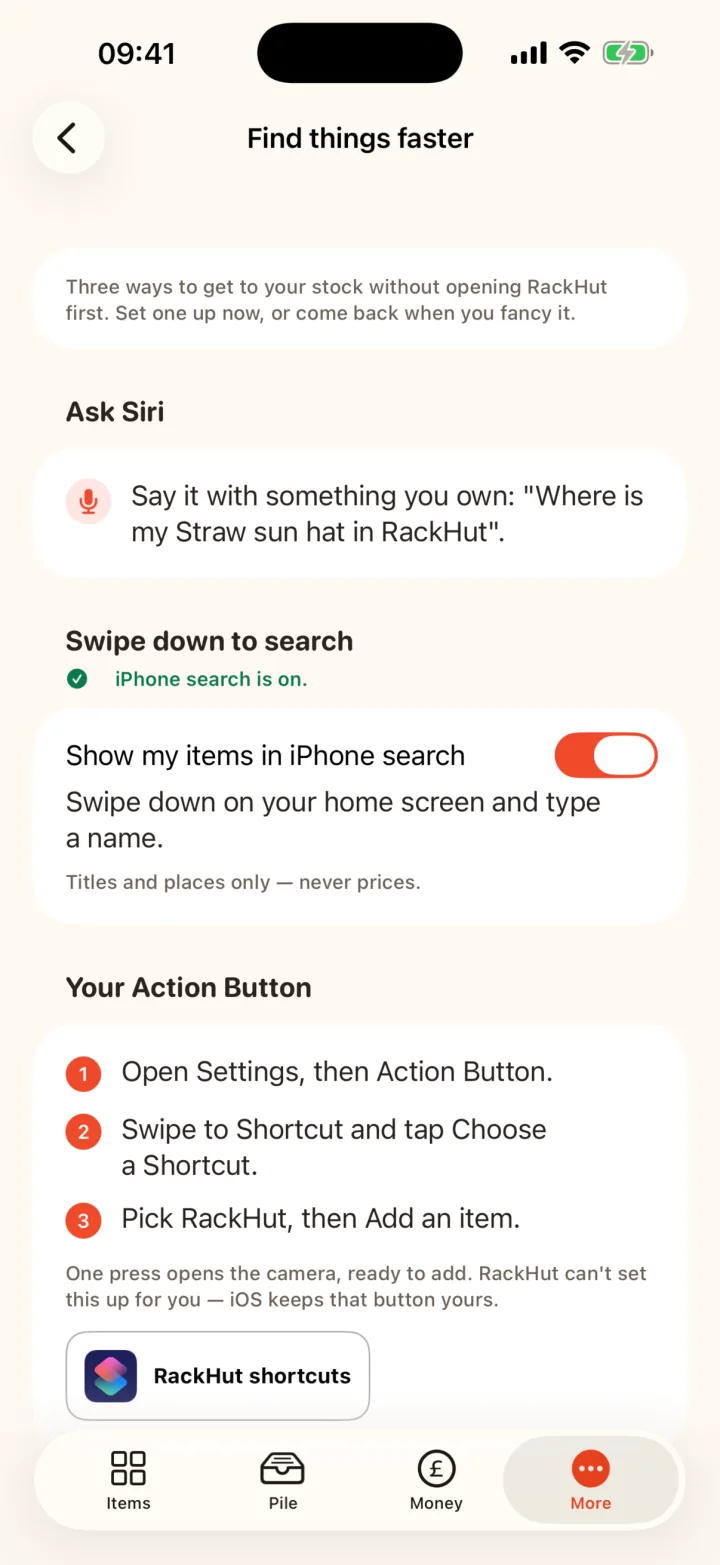
Every bag, box, shelf and rail is a place, with whatever name you'd use yourself. Swipe down on your home screen and type an item: it comes up with its place before you've opened RackHut. Ask Siri where something is. Stick a QR label on a bag and scan it to see everything inside.
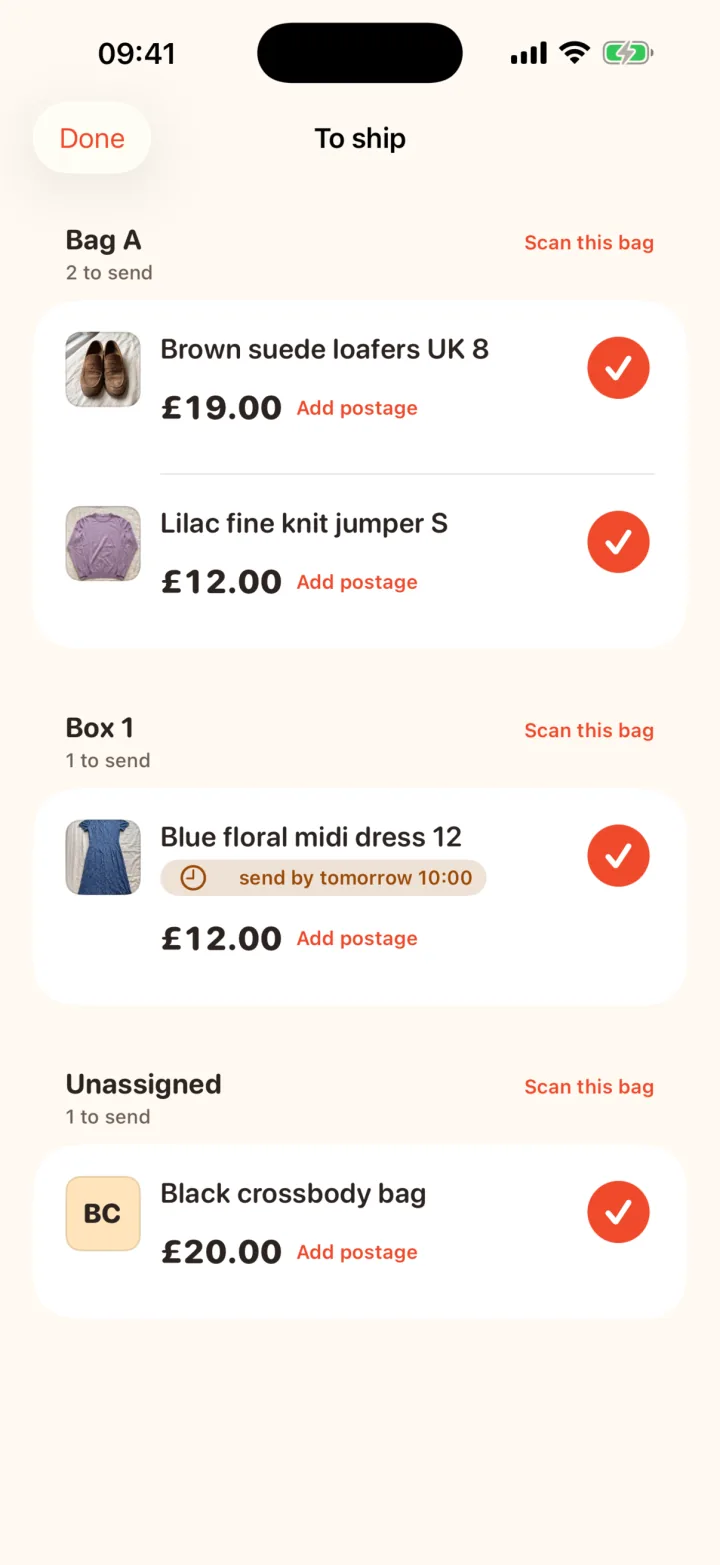
When things sell, To ship groups them by the bag they live in, with the send-by deadline on each one, so you can walk round the room once.
Money
Know what you actually made.
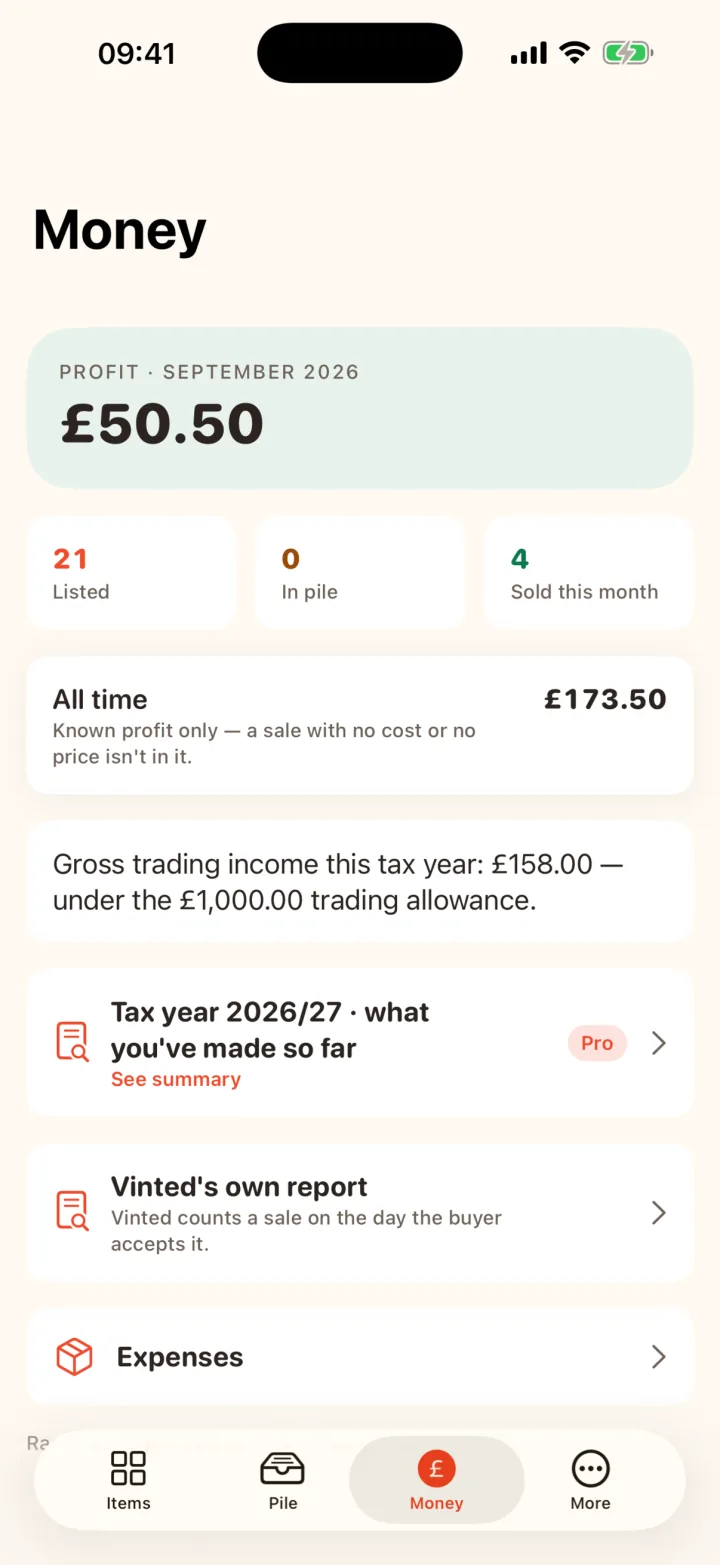
Known profit for the month sits at the top of the Money tab: what the buyer paid, minus what the item cost you, minus postage and packaging. If a sale isn't in that figure yet, RackHut says so and why, and one tap fixes it.
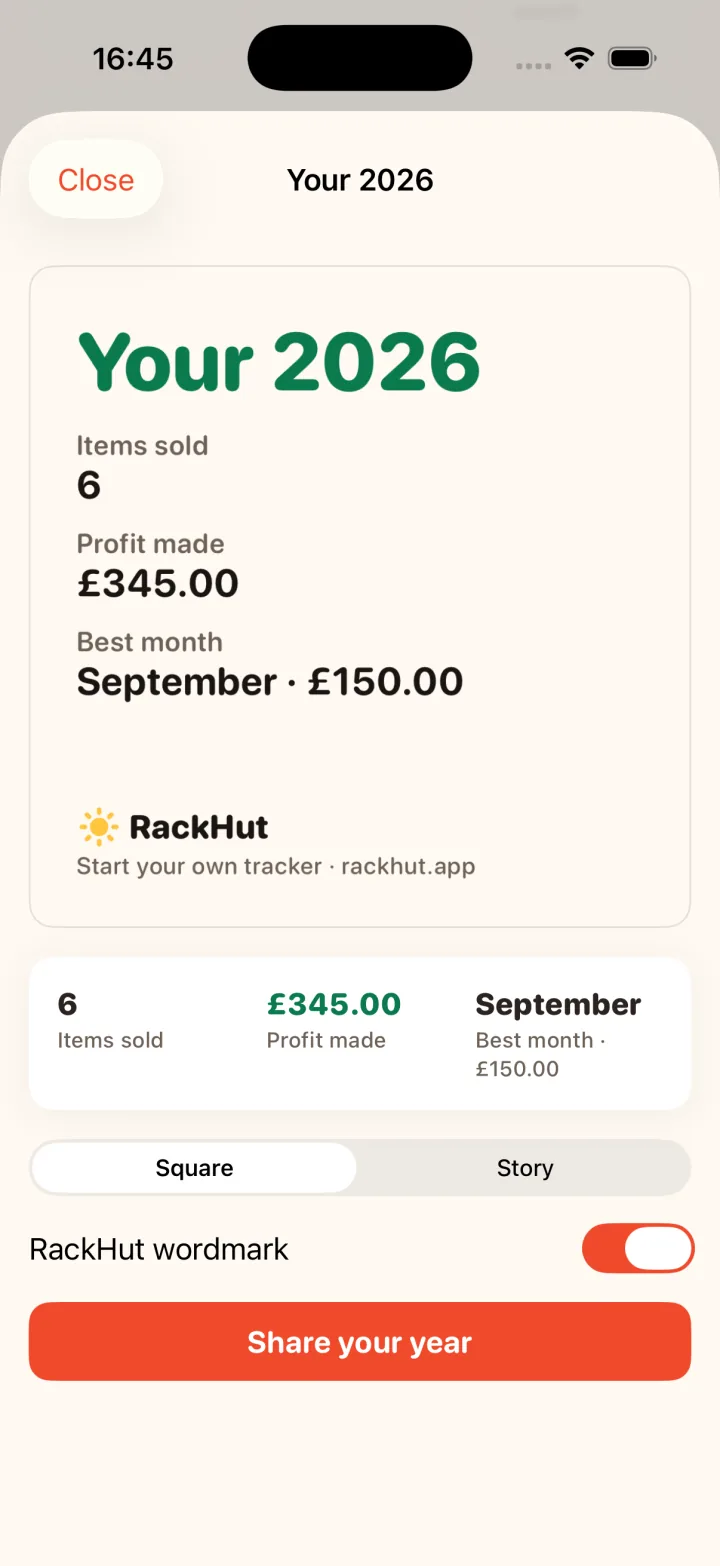
At the end of the month you get a wrap with the numbers. First sale, best month, the pile cleared: the good moments get a card you can keep or share.
Your year
Tax without the dread.
One tap shows your selling year as the figures your accountant asks for, labelled in plain words: the HMRC year, gross trading income, item costs, expenses, and what's left. The trading allowance line stays on the Money tab all year, so January is never a surprise. Once your Vinted file is in, Vinted's own yearly figure sits next to yours, with anything that doesn't match listed.
RackHut keeps records. It isn't tax advice.
Privacy
Yours, full stop.
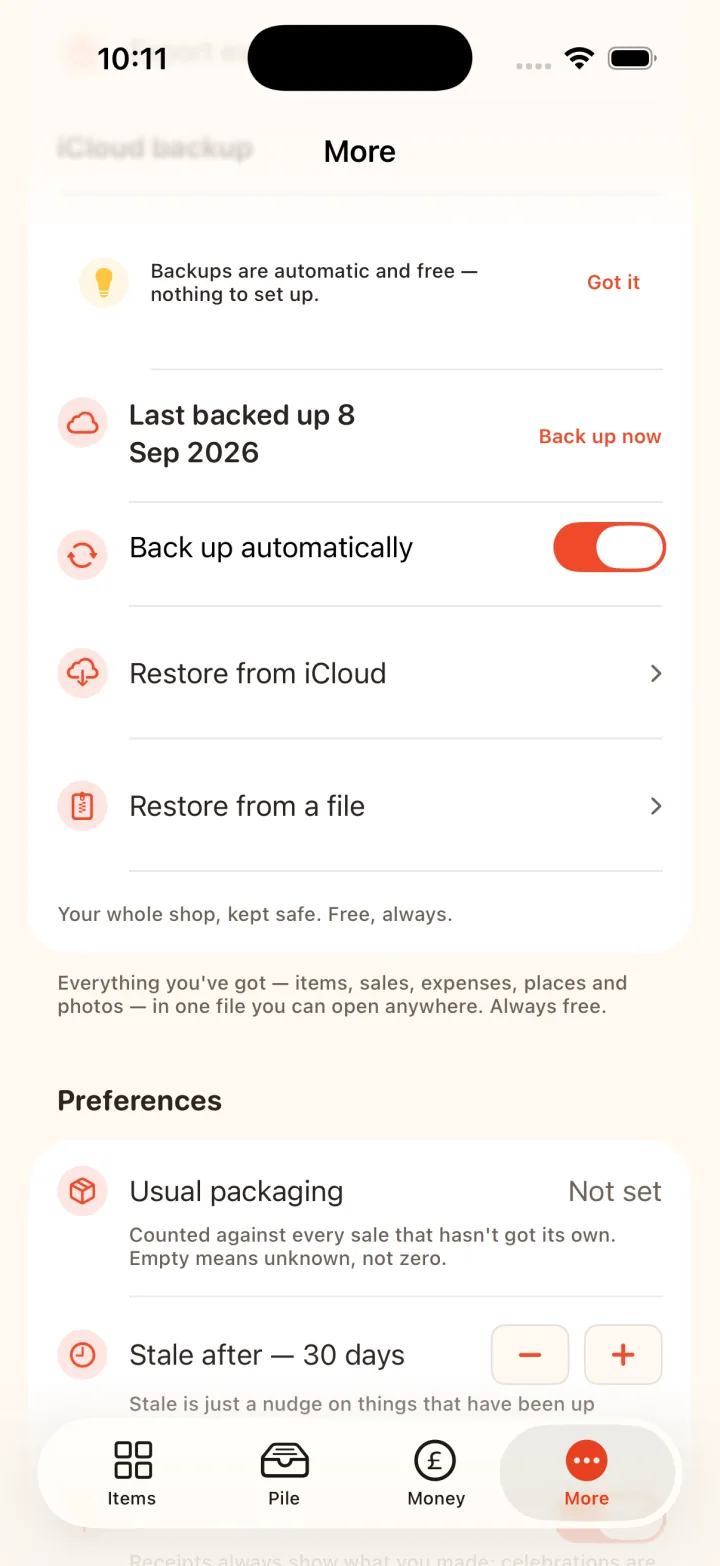
No account. No server. No analytics, no ads, no trackers. Your shop lives on your phone and, if you turn backups on, in your own iCloud Drive. We can't see it, and we built the app so we can't.
Export everything, any time, free: a spreadsheet plus your photos, and it opens anywhere. New phone? Sign into the same iCloud, restore, and it all comes back. Items, photos, sales, the lot.
Free to start. Pro when you're ready.
Everything a small shop needs is free. Pro is for the shop that grows past twenty-five items and wants labels and the accountant's numbers.
Free
For up to 25 active items.
£0
- Add items with a photo in seconds
- Scan a sale from a screenshot
- Receipts and monthly profit
- Bring in your Vinted file or spreadsheet
- To ship, by bag, with deadlines
- Backups to your iCloud, full export
Pro
For the shop that keeps growing.
from £3.99 a month
- Everything in Free
- Unlimited active items
- Printable QR labels for bags and shelves
- Tax-year summary
- Accountant export
UK App Store prices; the app shows the price for your country. Active means in the pile or listed. Sold and shipped things never count, so a busy shop stays under 25 longer than you'd think. Whatever you pay or stop paying, your data is never locked: viewing, editing, backups and export stay yours.
Does RackHut connect to my Vinted account?
No, by design. RackHut never logs in to Vinted and never talks to it. A screenshot is read on your phone. The data file is one Vinted gives you, opened offline. Your account stays exactly as it is.
Is it only for Vinted?
It's built around the way Vinted works, but it tracks anything you sell. Every item knows where it's listed and every sale where it sold: Vinted, eBay, Depop, Facebook, Etsy, Whatnot, or somewhere of your own.
How do I get my Vinted data file?
In the Vinted app, tap your profile, then Settings, Privacy settings, Manage account data, Request data. The download link usually arrives by email within the hour. Save the file to Files, then in RackHut go to More, Your data, Bring my shop in. Your listings, photos, sales and income reports come in together.
Where is my data?
On your phone. If you turn backups on, a copy goes to your own iCloud Drive, in your Apple account. RackHut has no server and no way to see any of it.
What happens if I stop paying for Pro?
You keep everything you have: viewing, editing, backups, restore and full export. Only the Pro extras pause, and creating new active items past the free 25.
Is the tax summary tax advice?
No. It's your own records, added up and labelled plainly for the UK tax year, so you can hand them to an accountant or fill in a return without guessing.
Is there an Android version?
Not yet. RackHut is iPhone-first. Join the Android list and you'll hear the day it ships.
What if I get a new phone?
Install RackHut, sign into the same iCloud, and use Restore from iCloud. Items, photos, sales, places, the lot. On a brand-new install RackHut looks for backups itself and offers the restore.